Patterns cross stitch lovers can find, choose, or make
Cannot find the right design? Turn a photo you love into a stitch-ready pattern with real DMC colors, then edit every stitch until it feels like yours.
- Real DMC colors
- No account
- Works offline
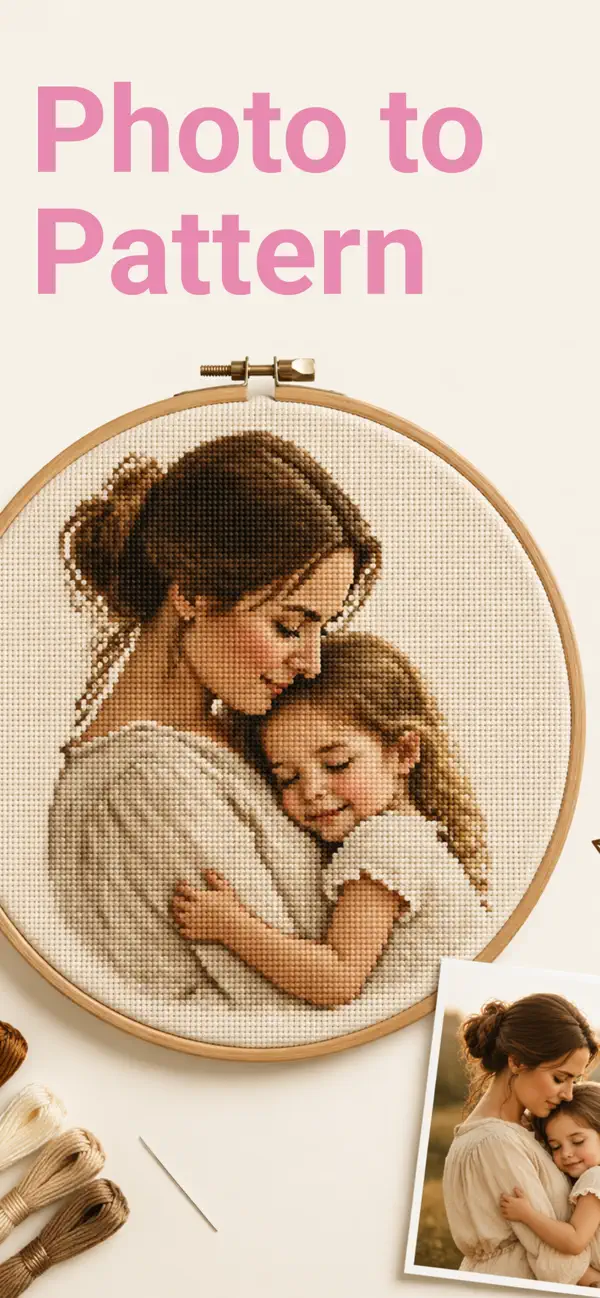
The best pattern is not simply the prettiest one. It also fits your experience, the time you want to spend, the fabric you can comfortably see, and the amount of thread changing you enjoy. This guide helps you compare the main types of patterns and recognize a chart that will be pleasant to stitch.
Three ways to get a cross stitch pattern
1. Choose a ready-made pattern
A ready-made pattern is the quickest route to stitching. The designer has already chosen the size, palette, symbols, and stitch placement. Ready-made designs work especially well when you want a familiar theme such as flowers, animals, seasonal ornaments, samplers, or typography.
Check that the preview is accompanied by a full materials list, a legible symbol chart, and a clear difficulty level. If you want to try several styles before buying a large design, start with a collection of free cross stitch patterns.
2. Turn a photo into a pattern
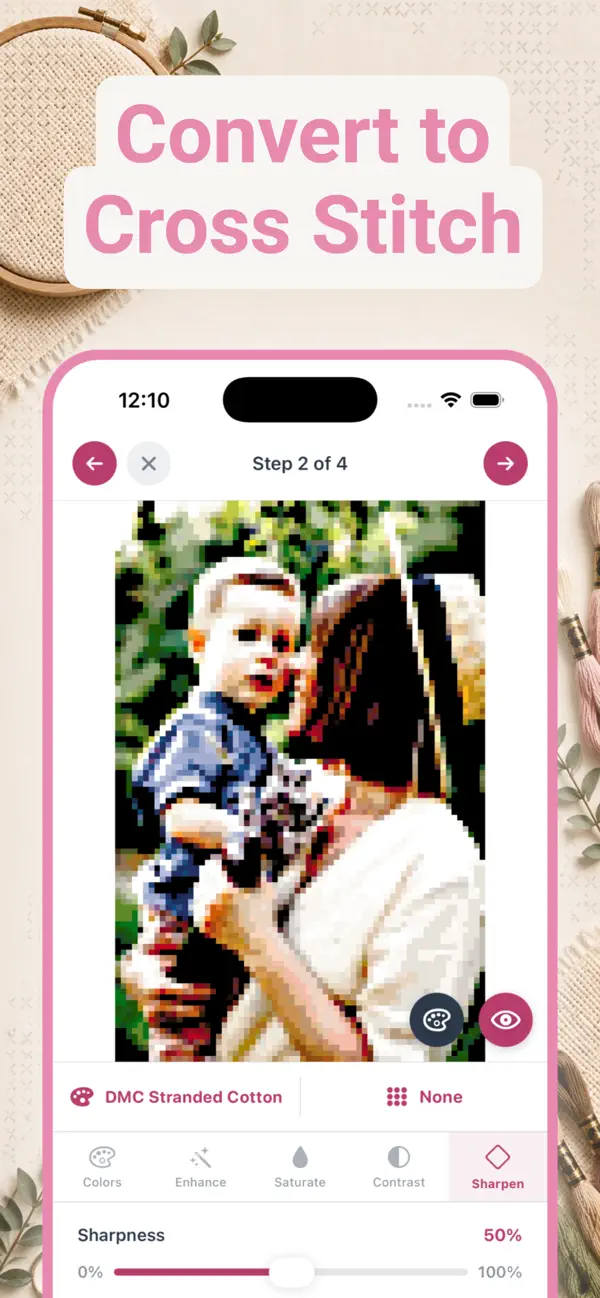
A photo pattern makes the project personal. Portraits, pets, wedding pictures, travel photos, and family moments can all become counted charts. A good conversion tool reduces the image to a stitchable number of colors, maps each shade to a real thread code, and lets you remove isolated stitches before you begin.
Choose a photo with one clear subject and strong separation between foreground and background. The complete photo to cross stitch pattern guide explains crop, grid size, contrast, palette limits, and confetti control.
3. Design a pattern from scratch
Starting from a blank grid gives you full control. It is ideal for monograms, geometric motifs, simple pixel art, lettering, borders, and original gifts. Pick a small palette of real thread colors, block in the silhouette, fill the main areas, and finish with outlines or backstitch.
Digital tools make revisions much easier than graph paper. You can undo, flood-fill, replace one color everywhere, and export a symbol chart when the design is ready. Follow the step-by-step pattern design guide to create your first original chart.
How to choose a pattern you will finish
| Check | Beginner-friendly | More demanding |
|---|---|---|
| Longest side | 40 to 80 stitches | 150 stitches or more |
| Colors | 10 to 20 | 30 or more |
| Color placement | Clear blocks | Many isolated stitches |
| Stitch types | Mostly full crosses | Fractional stitches and dense backstitch |
| Chart format | Large symbols and numbered grid | Small or low-contrast symbols |
A large pattern is not automatically difficult, but it does require more counting, thread changes, and time. If this is your first project, use the focused guide to choosing a cross stitch pattern for beginners.
What every good pattern should include
- A counted grid: every square must correspond to one stitch on the fabric.
- Distinct symbols: similar colors should never rely on color alone, especially on a printed chart.
- A complete legend: each symbol should map to a thread brand and code, such as DMC 310.
- Stitch count and finished size: the chart should state its width and height in stitches and explain the result on common fabric counts.
- Materials guidance: you should know the fabric size, thread quantities, and any special stitches before starting.
- Readable sections: larger charts need row numbers, bold tenth lines, and clear page overlaps or section markers.
Size the pattern before buying fabric
The formula is simple: divide the number of stitches by the fabric count to get inches. A pattern 140 stitches wide on 14-count Aida finishes at 10 inches wide. Add at least 2 inches of extra fabric on every side for holding and framing.
Use the free cross stitch calculator for exact finished dimensions, fabric cut size, needle size, and floss-strand guidance. It supports both inches and centimetres.
Frequently asked questions
What should a cross stitch pattern include?
A useful pattern includes a counted grid, a unique symbol for every thread color, a legend with thread codes, row and column numbers, the stitch count, and finished-size guidance for common fabric counts.
How do I choose a cross stitch pattern?
Choose by stitch count, number of colors, stitch types, and how fragmented the colors are. Beginners usually have the best experience with a design 40 to 80 stitches wide, 10 to 20 colors, mostly full cross stitches, and large blocks of color.
Can I make a cross stitch pattern from my own photo?
Yes. A pattern maker can convert a photo into a counted grid and match its colors to real embroidery thread codes. Photos with a clear subject, good contrast, and a simple background usually produce the cleanest patterns.
What size cross stitch pattern is best for a beginner?
A design around 40 to 80 stitches on its longest side is a practical first project. On 14-count Aida, 70 stitches measures 5 inches before adding fabric margins.
Where can I find free cross stitch patterns?
Established thread brands and craft libraries offer free ready-made pattern downloads. You can also use StitchCraft to create up to three custom patterns per day for free on iPhone or iPad.