Free cross stitch pattern maker for iPhone and iPad
StitchCraft turns any photo into a detailed, stitch-ready cross stitch pattern with 523 real DMC thread colors. Design, edit, track your progress, and export printable PDF charts. It fits in your pocket, with no account and no internet needed.
Why stitchers choose StitchCraft
One app for the whole journey: from photo or blank canvas to a finished, framed piece.
Real DMC thread colors
Patterns are built from 523 official DMC colors, 487 Stranded Cotton and 36 Light Effects. Every square maps to a real DMC code, so your shopping list matches threads you can actually buy.
Photo to pattern in four steps
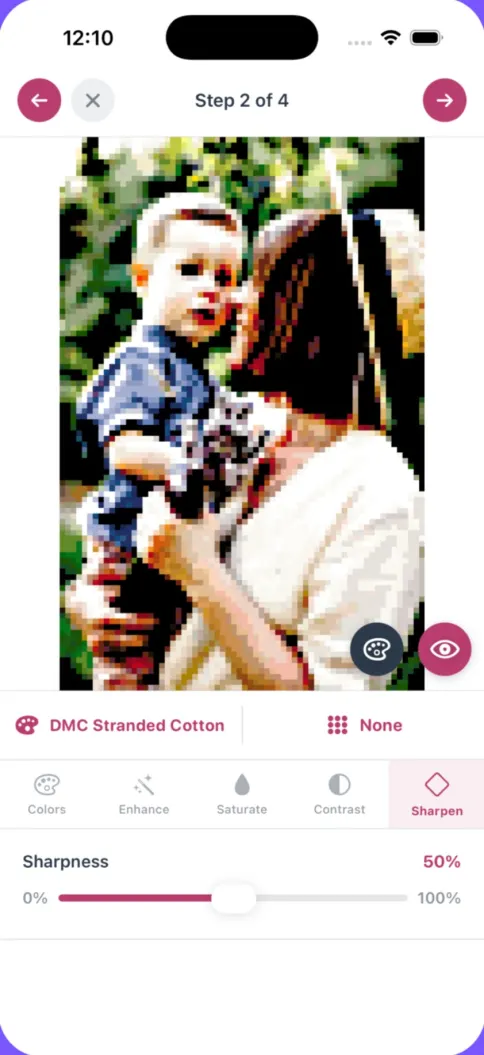
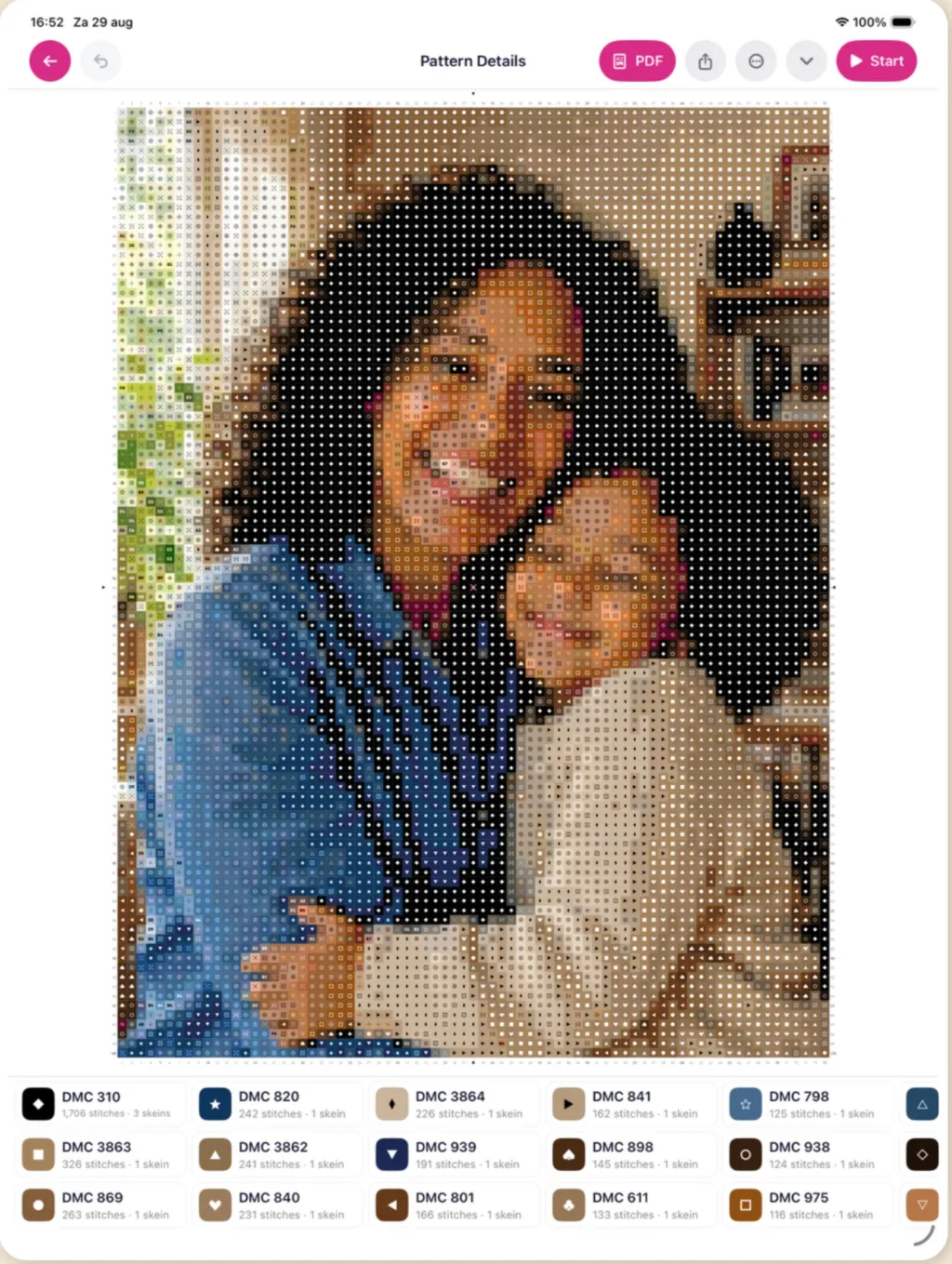
Pick a photo, choose your grid size and colors, fine-tune brightness and contrast, and preview before generating. The wizard does the color mapping for you.
Private and offline
No account, no upload, no internet needed. Your photos and patterns stay on your device, and projects persist across app restarts.
A full pattern editor
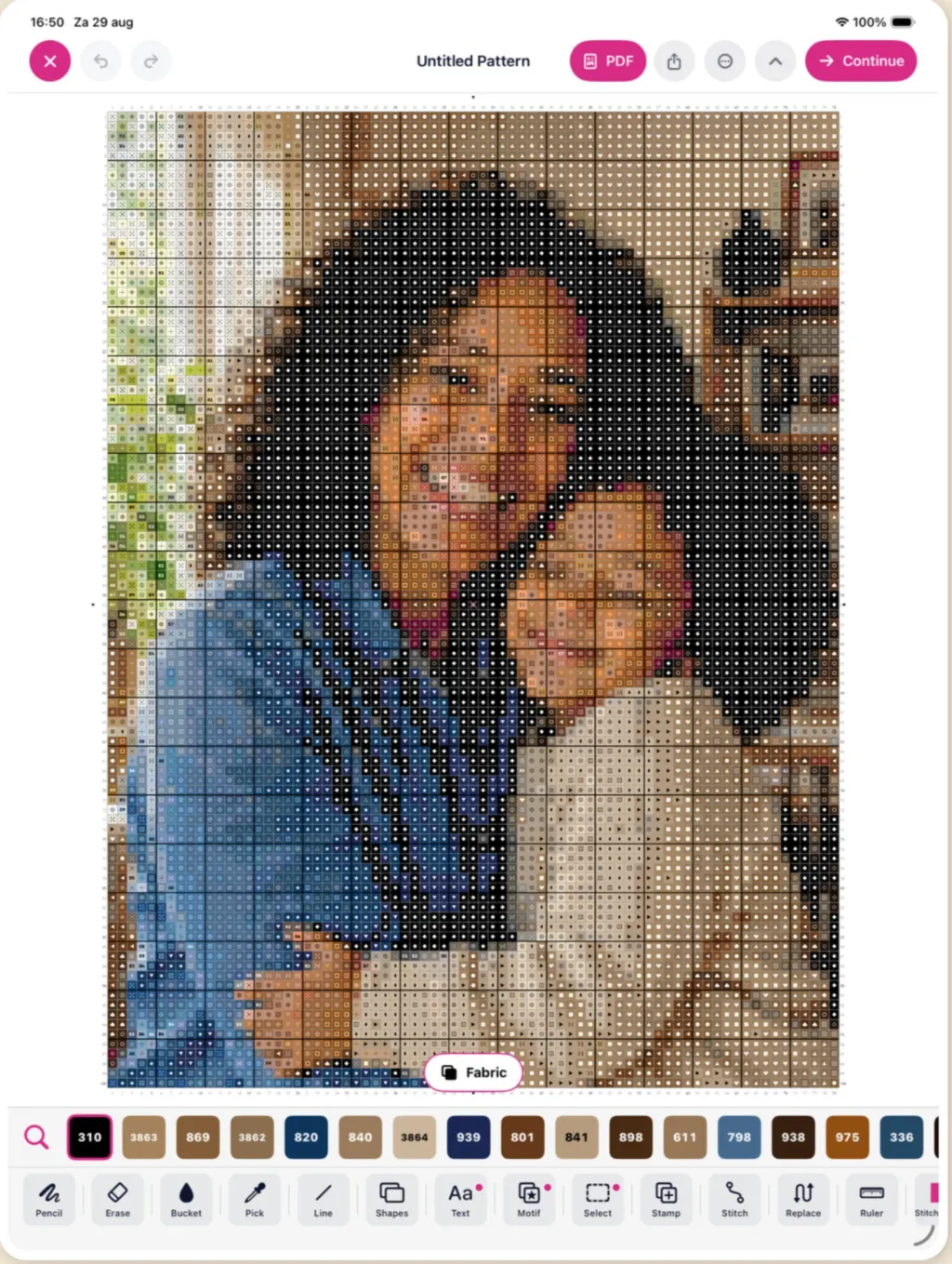
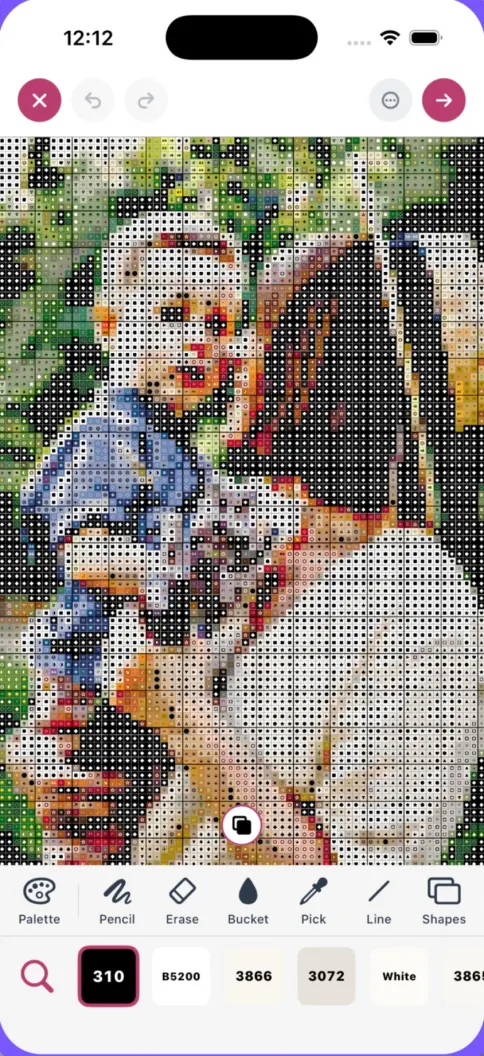
Draw, erase, and flood-fill stitches, pick colors with the eyedropper, add backstitch outlines, and swap one color for another across the whole pattern in a single tap.
Progress tracking built in
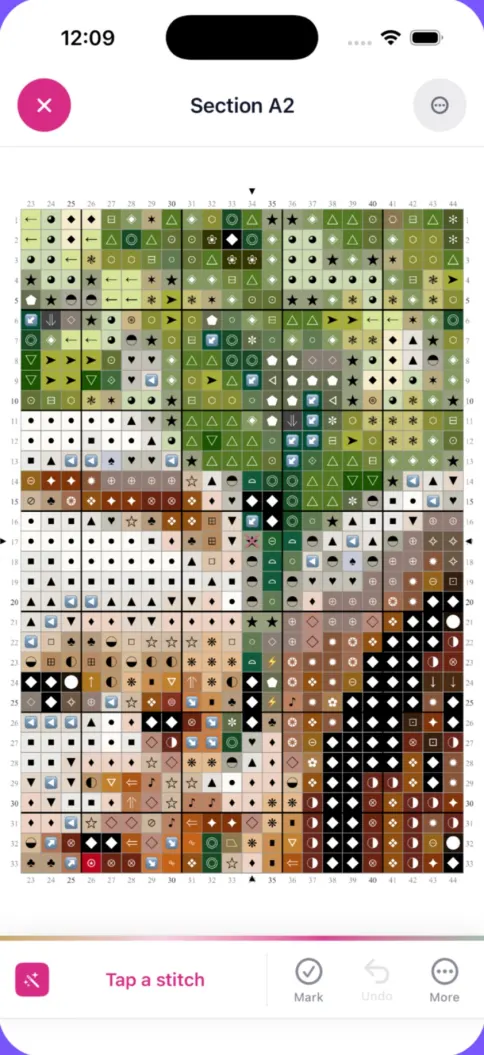
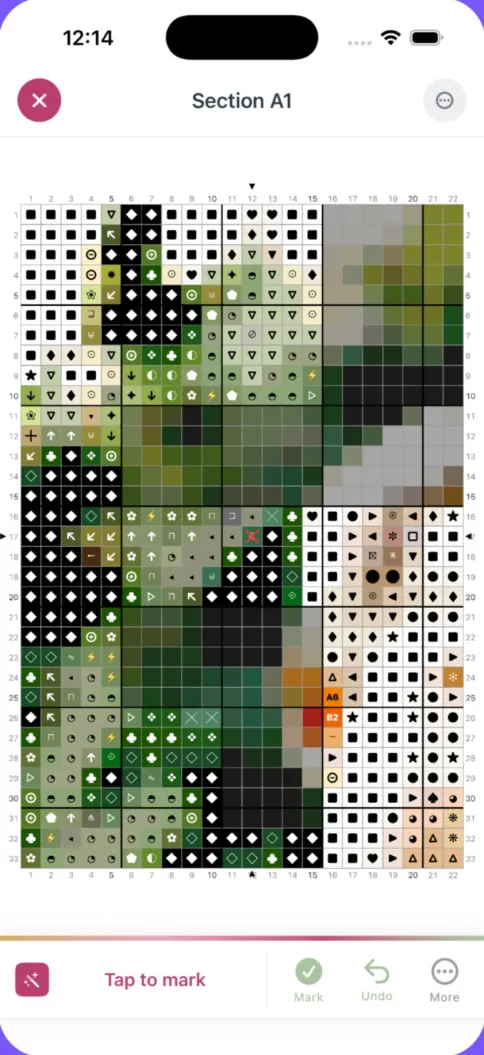
Tap stitches to mark them completed and watch your percentage grow. Large patterns are split into sections you can finish one at a time.
Print-ready PDF export
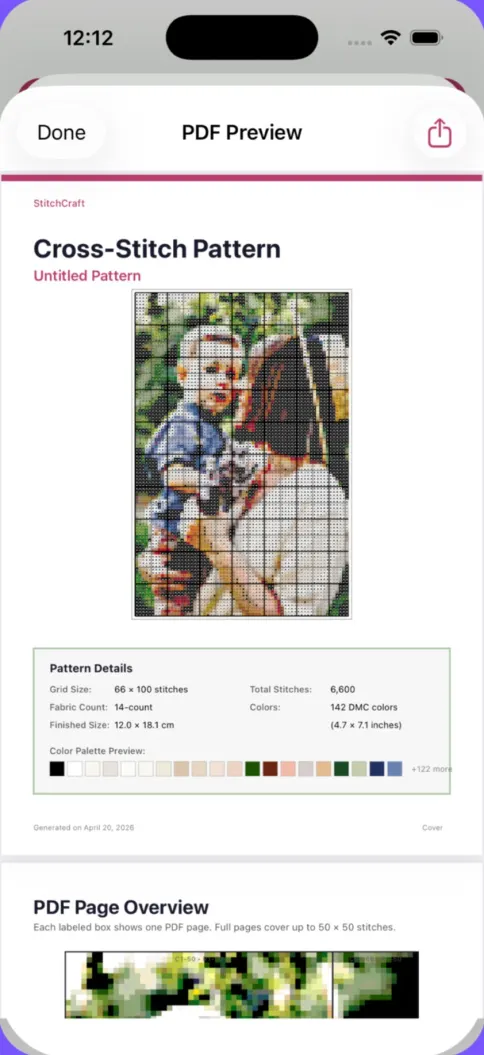
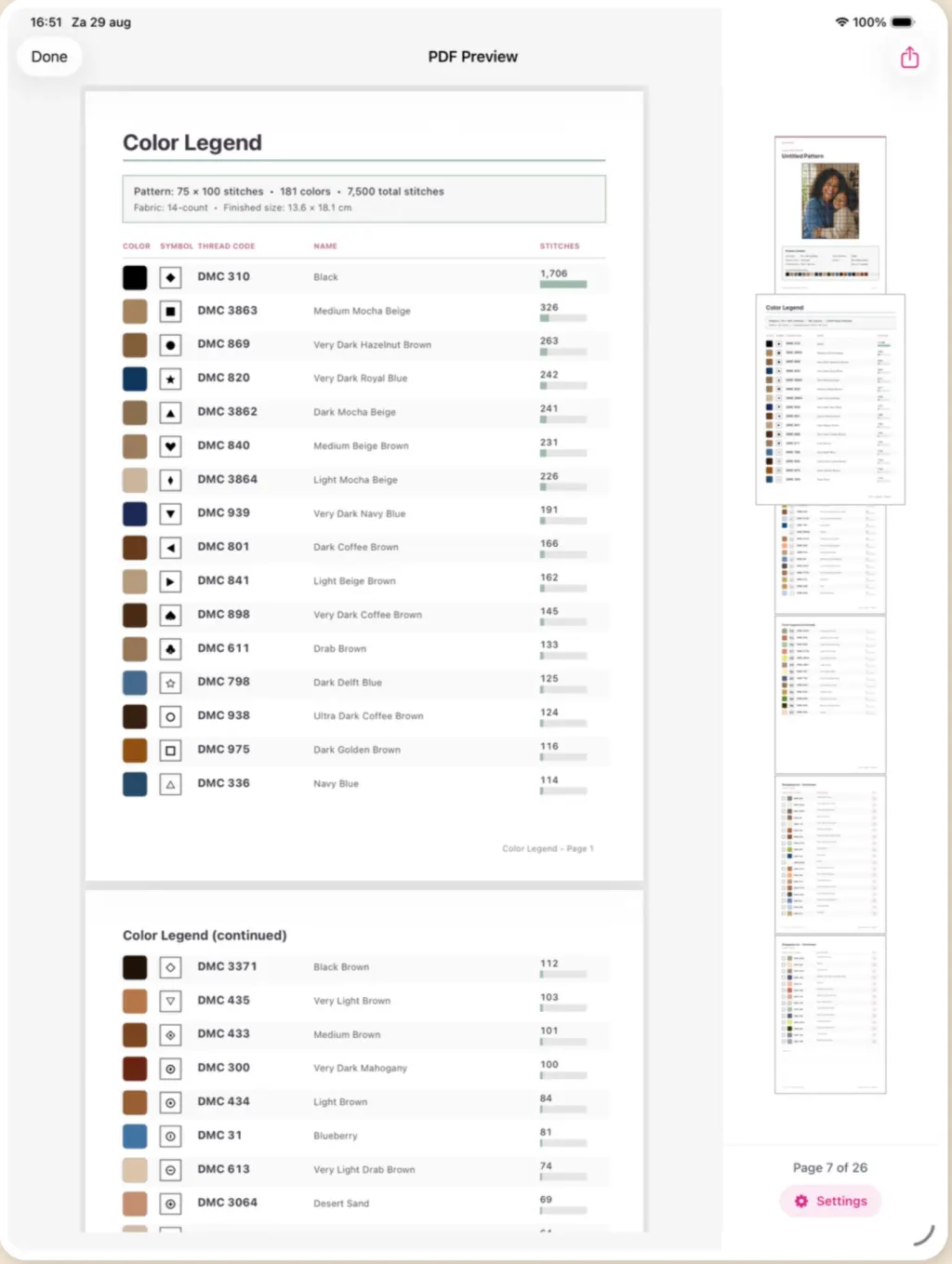
Export a complete chart with symbol grids, row numbers, a DMC color legend, skein counts, estimated cost, and fabric size recommendations.
How to make a cross stitch pattern with StitchCraft
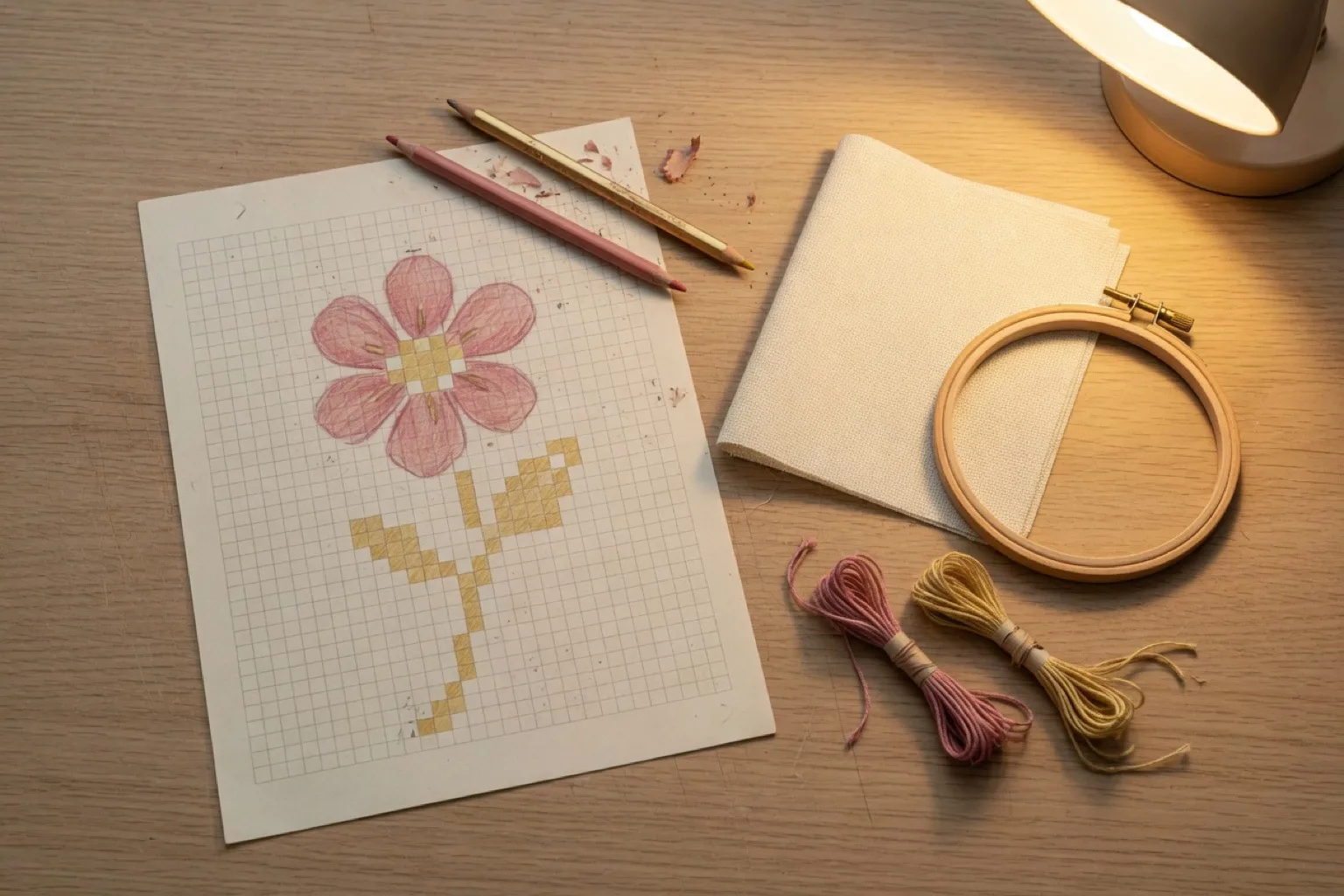
From photo to stitch-ready chart in a few minutes. The generator maps every square to a DMC code and builds a symbol chart automatically. Prefer to design from scratch? Start with a blank canvas and the same editor tools.
Pick a photo
Choose any picture from your library: a portrait, a pet, a wedding photo, or a favorite place.
Set size and colors
Choose your grid size and thread colors. Fewer colors keeps the project simple; more colors adds detail.
Fine-tune and preview
Adjust brightness, contrast, saturation, and sharpness, then preview the final pattern before generating it.
Stitch and track
Follow the color-mapped grid with DMC codes, mark stitches as you go, and export a printable PDF chart.
See it in action
Real screenshots from StitchCraft on iPhone.
Everything a stitcher needs
StitchCraft covers the details that matter, from fabric count math to symbol charts for monochrome printing.
- Color, symbol, or combined view so you can work the way you like to read a chart.
- Backstitch lines for outlines and fine details on top of your grid.
- Custom palettes built from any combination of DMC colors to control exactly what the generator may use.
- One-tap color swap to replace every instance of a color across the whole pattern.
- Patterns up to 200 × 200 stitches, automatically split into manageable sections.
- Fabric counts from 11ct to 28ct with finished dimensions shown in centimeters and inches.
- Automatic shopping list with skeins per color, estimated cost, and recommended fabric size.
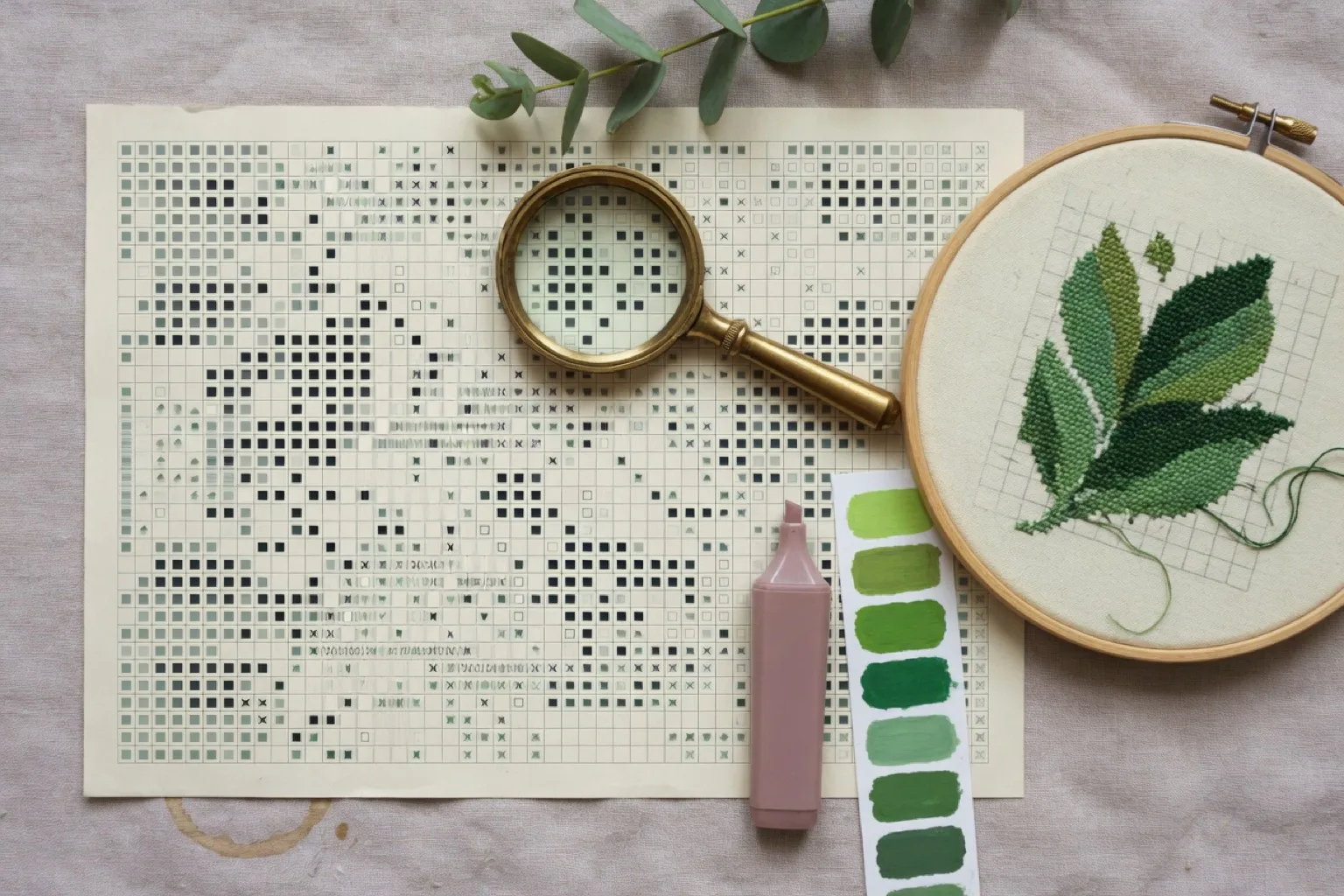
- Symbols assigned to every color so charts stay readable when printed in black and white.
- Undo for recent changes while you edit.
- Search the DMC library by color name or code and swap colors at any time.
Free online stitching tools, right in your browser
No download needed. Plan fabric and floss, chart lettering, or match any color to a real DMC thread.
Cross stitch calculator
Fabric size, recommended cut, and floss skeins for any count, in inches or centimetres.
Open the calculatorCross stitch font generator
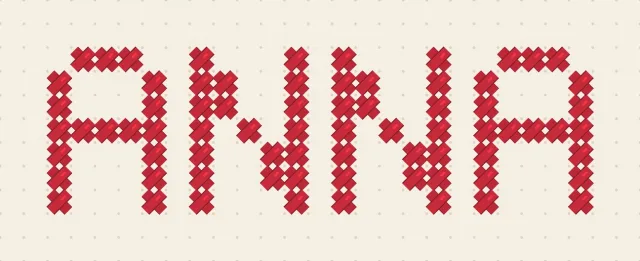
Turn any word or name into a stitchable letter chart in a real DMC color, with a free PNG download.
Open the font generatorDMC color matcher
Closest substitutes for any DMC color, or hex and RGB converted to the nearest thread.
Open the color matcherJust as at home on your iPad
StitchCraft is one app for iPhone and iPad. On the bigger screen, the editor and wizard spread out and stitching from the chart gets even more comfortable.
- A bigger canvas with the DMC palette and drawing tools side by side, so you edit without switching panels.
- The conversion wizard with a live preview next to your color and image controls.
- Charts that are easier to follow while you stitch: more of the section, symbols, and row numbers in view at once.
- One free download for both. Your iPhone and iPad each run the full app, offline, with no account.
What will you stitch?
Ideas for patterns you can create with StitchCraft, from your own photos or from a blank canvas.
Pet portraits
Convert a clear photo of your dog or cat into a chart. A tight crop on the face with a simple background converts best. See the photo conversion guide.
Family and wedding photos
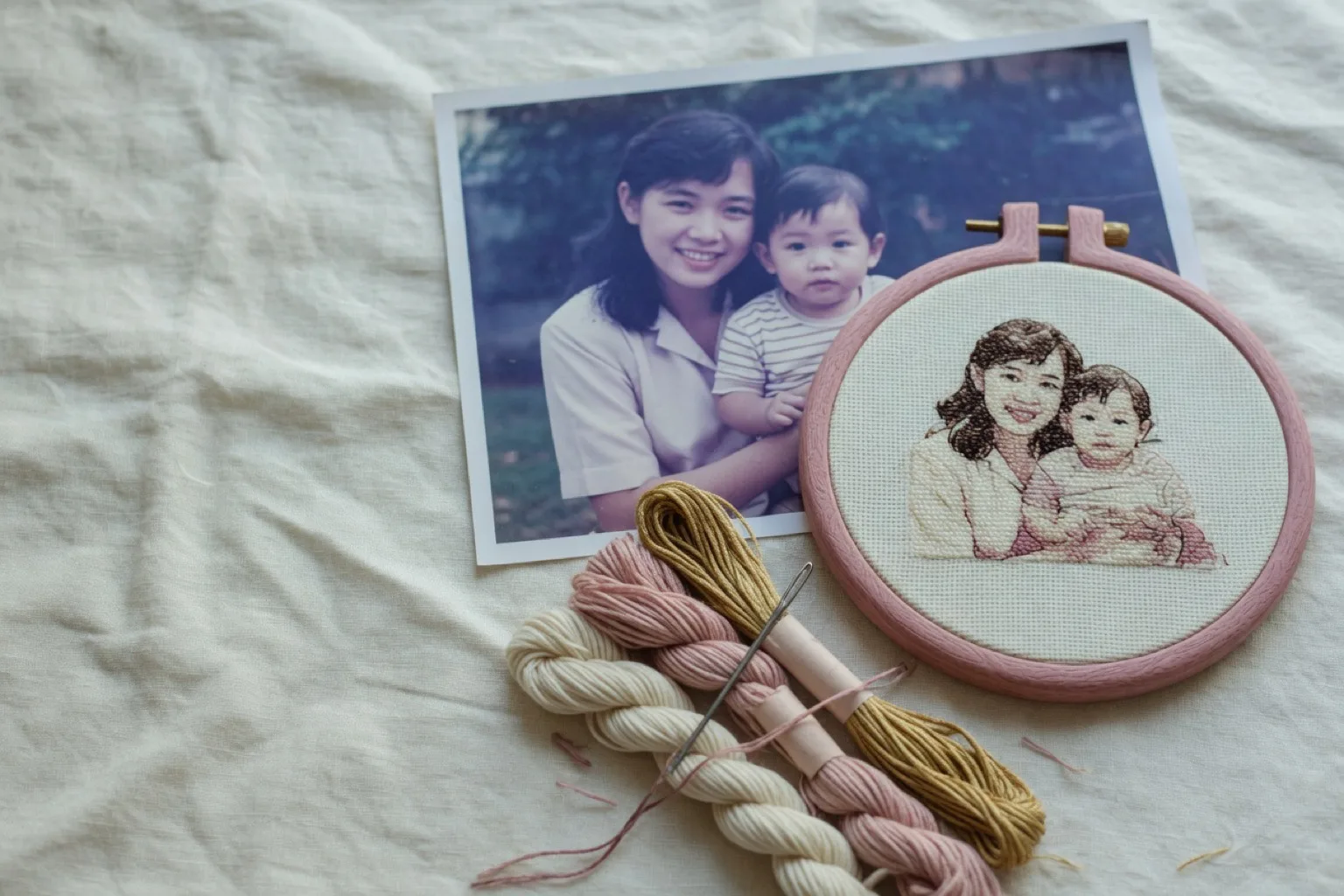
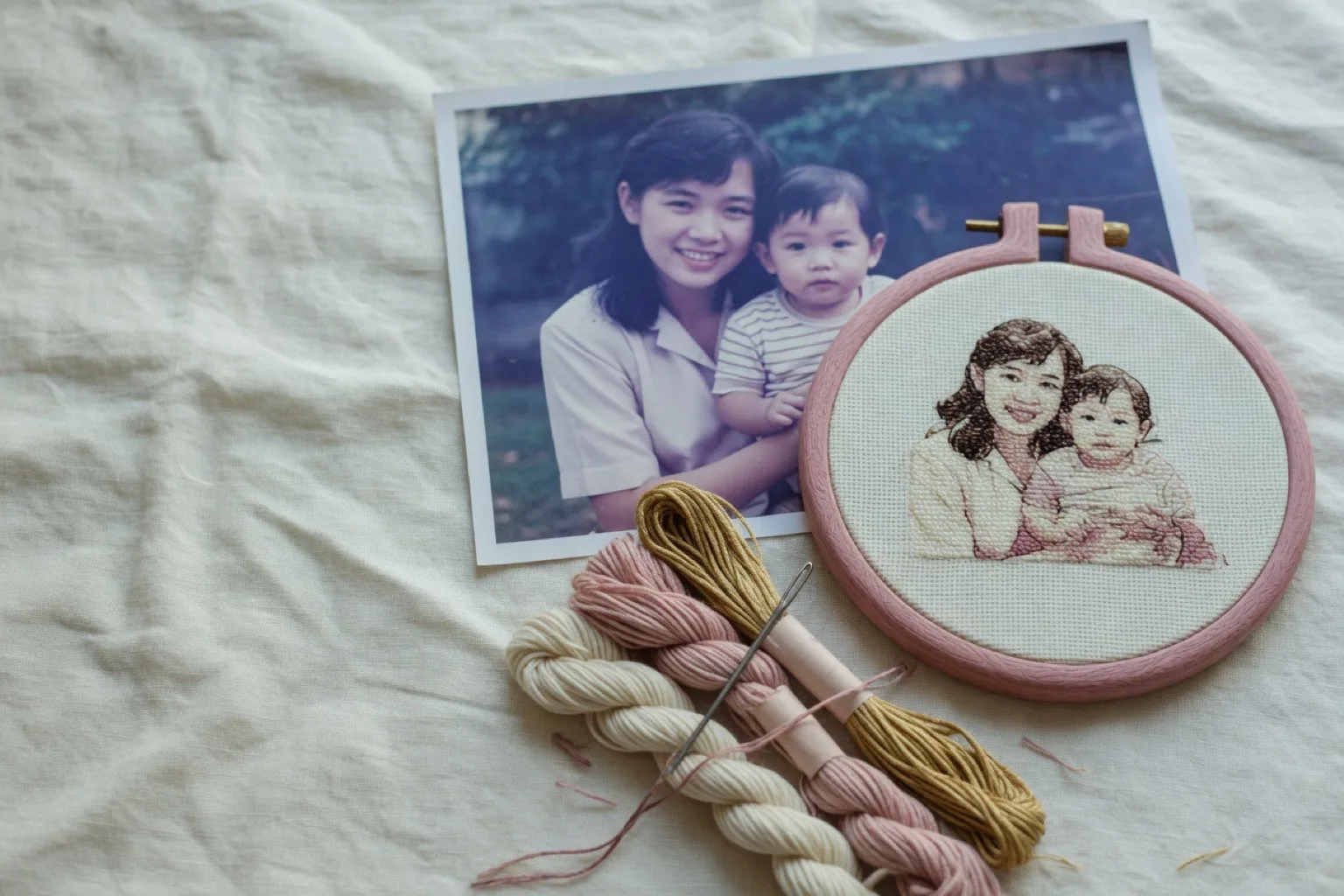
Turn a favorite portrait into a keepsake, like the mother-and-daughter hoop in the screenshots. Preview and adjust contrast before generating.
Baby milestones
Stitch a birth announcement from a newborn photo, or design one from scratch with the editor's text-friendly drawing tools.
Landscapes and holidays
A sunset, a skyline, or the view from your favorite trip. Use fewer colors to keep large areas calm and quick to stitch.
Samplers and mottos
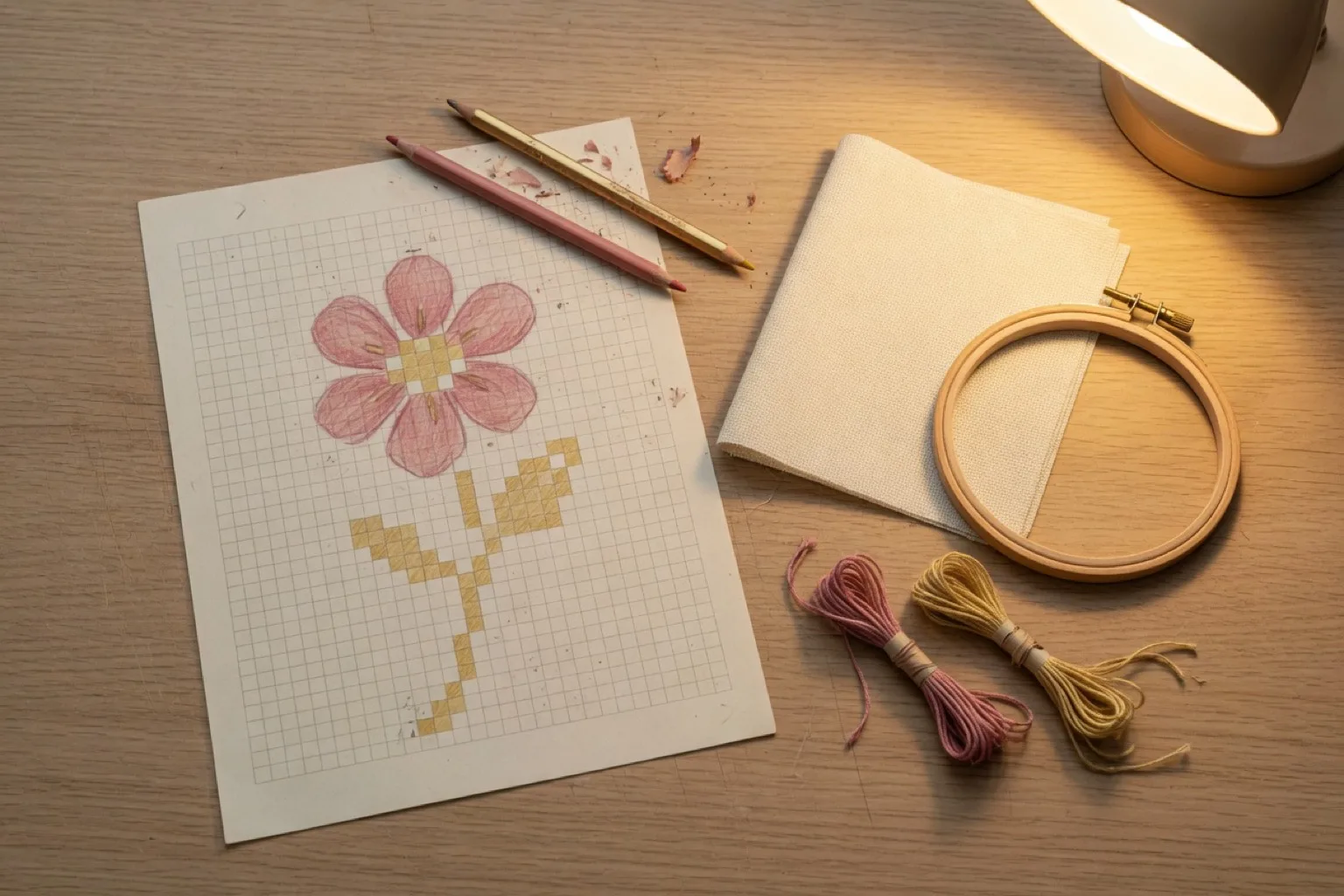
Start from a blank canvas and draw letters, borders, and motifs stitch by stitch with the pencil, line, and shape tools. Learn how to design your own.
Gifts in DMC colors
Whatever you make, the export includes the exact DMC codes and skein counts, so gifting the chart itself works too.
Guides for every kind of stitcher
Practical, step-by-step guides on making, generating, and reading cross stitch patterns.
Cross stitch progress tracker
Mark completed stitches, work section by section, and resume any project without recounting, on iPhone and iPad.
Pattern Keeper alternative for iOS
Pattern Keeper is Android-only. An honest look at what StitchCraft covers on iPhone and iPad, and what it does not.
Cross stitch font generator
Type a word or name and get a stitchable letter chart in any DMC color, with stitch counts and a free PNG download.
Free cross stitch patterns
Browse trusted pattern libraries or create a free custom pattern from your own photo, with checks for safe, complete downloads.
Cross stitch pattern for beginners
Use a practical checklist for size, color count, stitch types, fabric, and chart readability before starting your first project.
Generate a cross stitch pattern from a photo
Which photos convert well, how big your grid should be, how to avoid confetti stitches, and how to generate a chart with real DMC colors.
How to create your own cross stitch pattern
Design a pattern from scratch: plan your grid, choose a palette, draw with editor tools, and add backstitch details.
Cross stitch chart maker for serious stitchers
Symbol charts, section navigation, backstitch, custom palettes, and print-ready PDF exports for larger projects.
Cross stitch patterns: a beginner's guide
How to read a pattern, choose fabric count, calculate finished size, and pick a first project you'll actually finish.
Cross stitch calculator
Calculate exact stitched dimensions, fabric cut size, floss skein estimates, needle size, and strands for any Aida or evenweave count, in inches or centimetres.
DMC color chart: every floss color at a glance
The complete DMC Stranded Cotton and Light Effects library with official codes, color names, hex values, and a searchable list. The same colors StitchCraft stitches with.
DMC color matcher: substitutes and hex to DMC
Find the closest substitute for any DMC floss color, or convert a hex or RGB value to the nearest DMC thread with perceptual color matching.
Best cross stitch pattern makers compared
Compare seven tools by platform, editing options, DMC support, progress tracking, and export features.
Best photo to cross stitch converter apps
See which apps give you useful control over grid size, colors, cleanup, and printable output.
Resize a cross stitch pattern without losing detail
Understand what changes when you scale a chart and how to protect faces, text, curves, and color balance.
Best cross stitch progress tracker apps
Compare practical ways to mark completed stitches, work through sections, and keep large projects manageable.
Frequently asked questions
What is a cross stitch pattern maker?
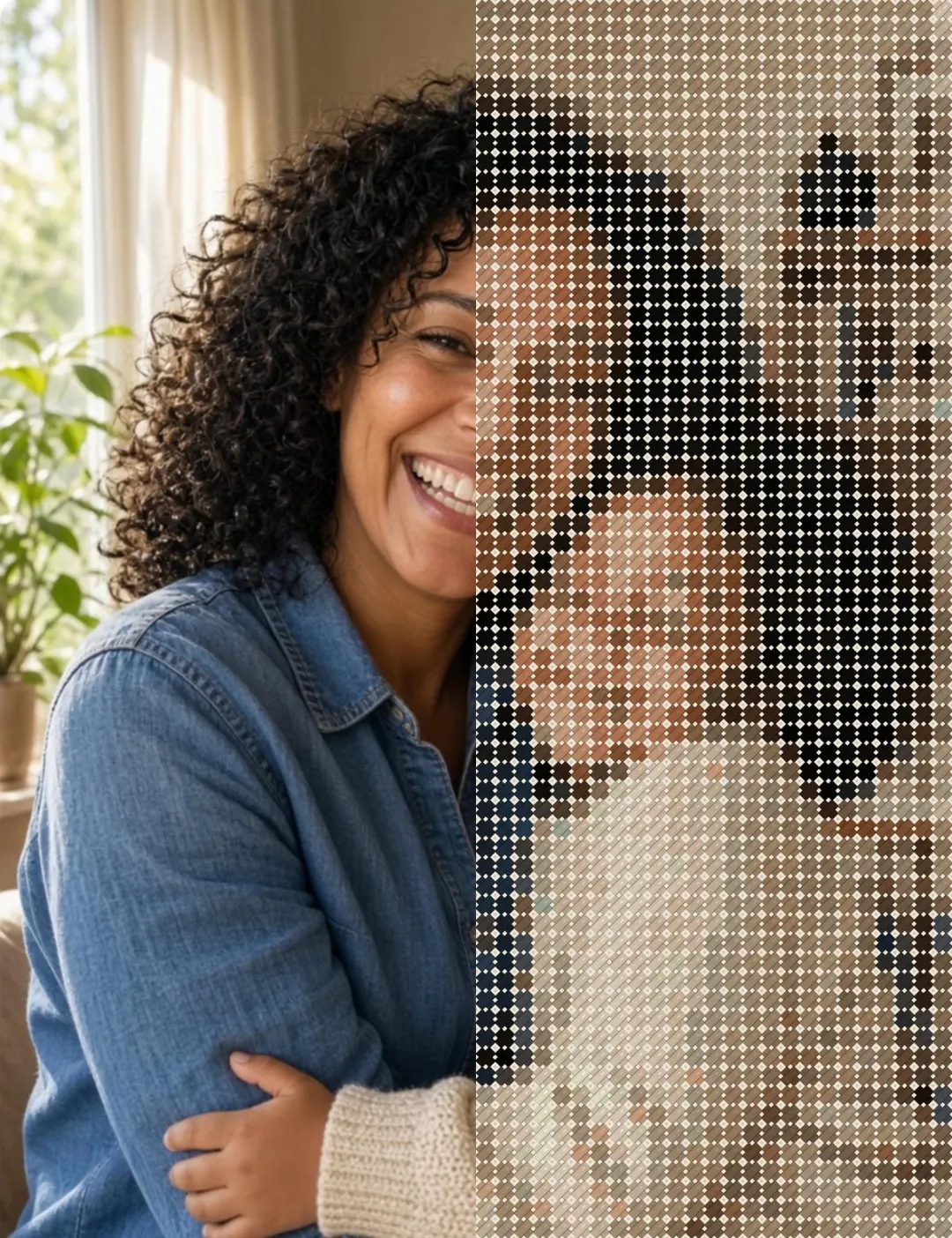
A cross stitch pattern maker is a tool that converts an image into a grid-based chart, where every square represents one stitch in a specific thread color. StitchCraft does this on your iPhone or iPad: it maps each square to a real DMC thread code and assigns a symbol to every color, so the pattern is ready to stitch or print.
How do I turn a photo into a cross stitch pattern?
Pick a photo from your library and follow the four-step wizard: choose your grid size, select thread colors, fine-tune brightness and contrast, and preview the result before generating. The output is a color-mapped grid based on real DMC thread codes. Read the full photo to cross stitch guide.
Is StitchCraft a cross stitch chart generator too?
Yes. Every pattern StitchCraft generates is a full symbol chart: each DMC color gets its own symbol, with row numbers and section navigation for larger pieces. Whether you call it a pattern maker, pattern generator, or chart generator, it is the same job, and StitchCraft combines it with progress tracking and PDF export in one app.
Can I use StitchCraft online?
StitchCraft is an iPhone and iPad app rather than an online editor, so patterns generate on your device even without internet. The free tools on this site do run online in your browser: the cross stitch calculator, DMC color matcher, and cross stitch font generator.
Is StitchCraft free?
Yes, StitchCraft is free to download and use. The free version lets you create up to three patterns per day with grids up to 80 stitches wide and 20 colors. StitchCraft Premium unlocks larger patterns, advanced blending modes, image adjustments, custom palettes, PDF export, and shopping lists.
Does StitchCraft use real DMC thread colors?
Yes. StitchCraft includes a library of 523 official DMC colors: 487 Stranded Cotton and 36 Light Effects. Every color in your pattern is matched to a real DMC code, so you know exactly which threads to buy.
Do I need an account or internet connection?
No. StitchCraft requires no account and no internet connection. Everything happens on your device, and projects are saved locally so they persist across app restarts.
Can I print my cross stitch pattern?
Yes. StitchCraft Premium generates a print-ready PDF with a full-color preview, section-by-section grid pages with symbols and row numbers, a color legend with DMC codes and stitch counts, a shopping list with skein quantities, and fabric size recommendations. Share it via AirDrop, email, print, or save it to Files.
How large can a pattern be?
StitchCraft supports patterns up to 200 × 200 stitches. Large patterns are automatically split into manageable sections that you can navigate, complete, and review one at a time.
Which devices does StitchCraft work on?
StitchCraft runs on iPhone and iPad with iOS 18.6 or later. It is a small download of about 39 MB and works fully offline.
Start your next pattern today
Download StitchCraft free on the App Store and turn your first photo into a stitch-ready cross stitch pattern in minutes.
Download on the App Store