Cross stitch progress tracker: mark every stitch on iPhone & iPad
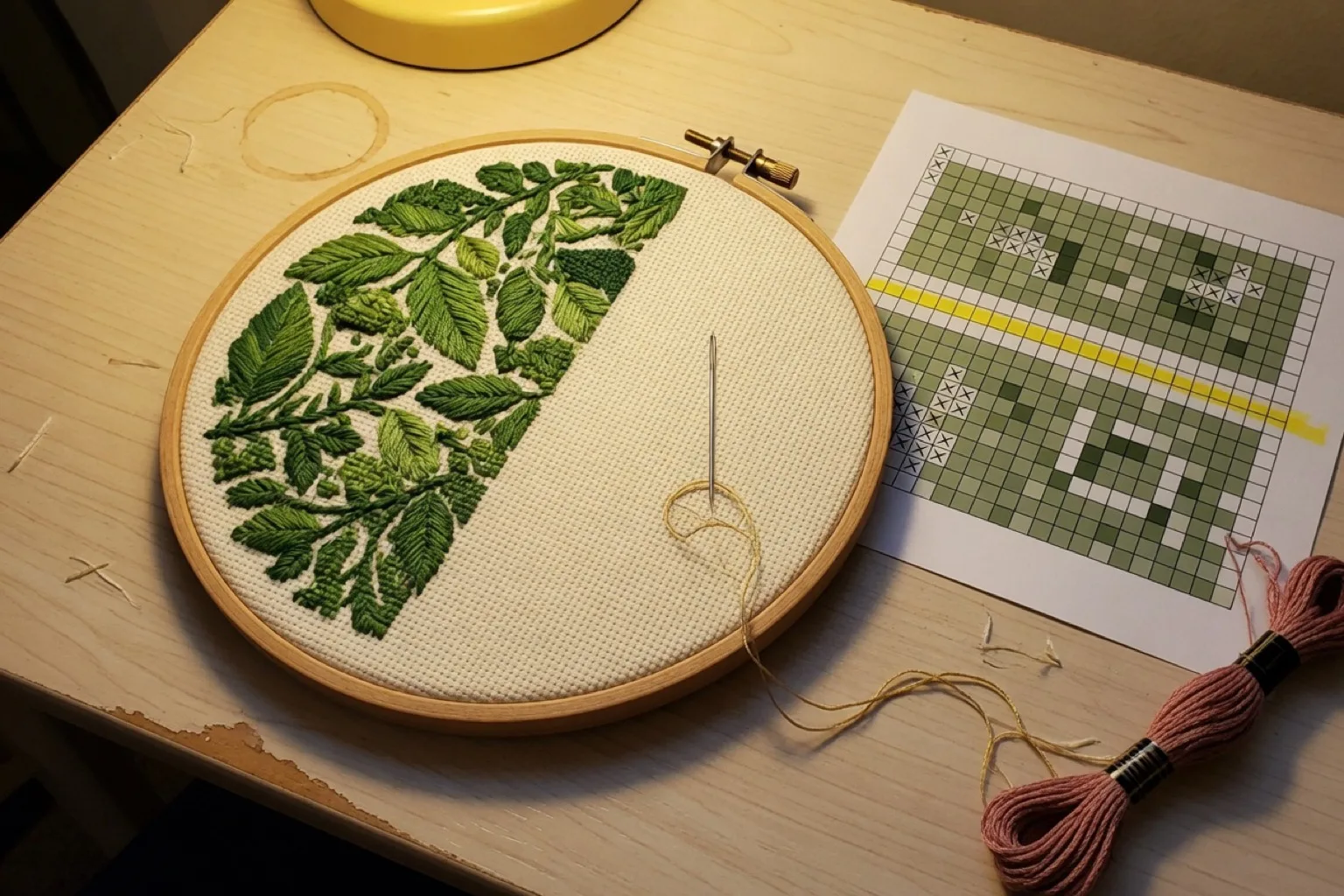
Losing your place in a chart is the fastest way to lose an evening: frogging rows, recounting from the nearest landmark, hoping you did not drift one square left. Highlighter tape and printed charts work, but they get messy on large projects and they cannot tell you how far along you actually are. This page explains how digital progress tracking works in StitchCraft and when it beats paper.
What the progress tracker does
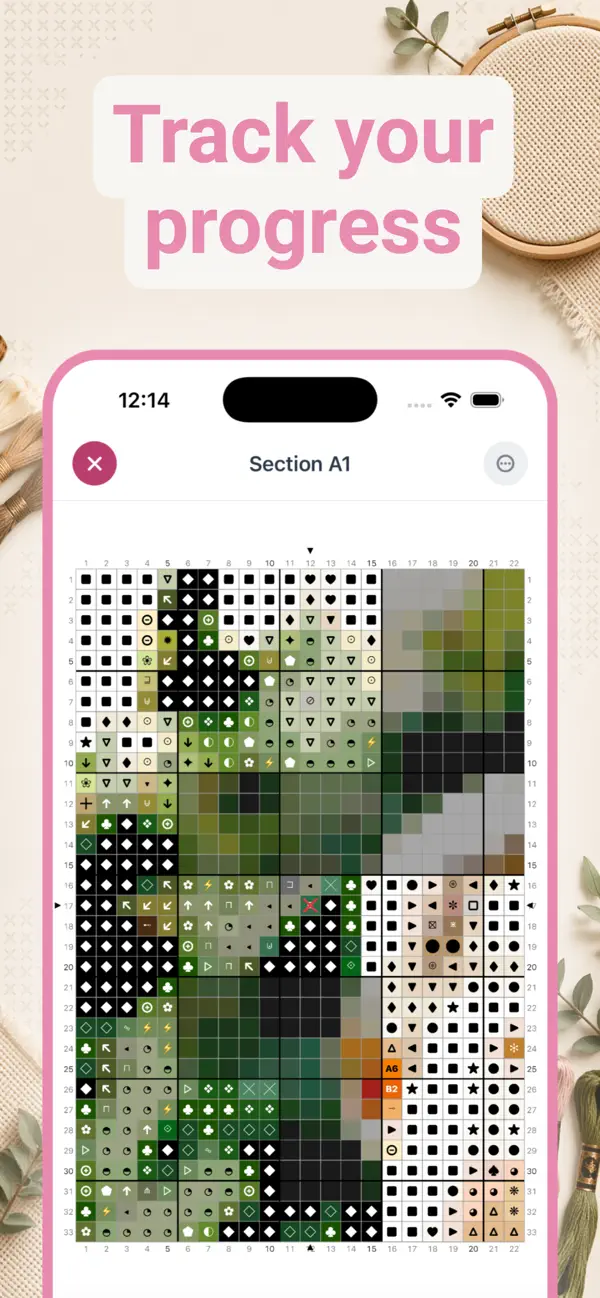
- Mark individual stitches. Tap any stitch to mark it complete, at any zoom level. Completed stitches change appearance instantly, so you always see your exact position.
- Work section by section. Large patterns are automatically split into navigable sections (like Section A1), so a 200 × 200 chart never feels endless.
- Completion statistics. A running count and percentage per project: stitches done versus remaining, updated as you tap.
- Multiple projects. Rotate between WIPs without losing your saved completion state on any of them.
- iPhone and iPad. Track on your iPhone while you stitch, or use the iPad for a bigger view of the chart. Everything works offline.
- Progress always saved. Projects are stored locally on your device and persist across app restarts, with no account needed.
How to track a project in StitchCraft
- Create or convert a pattern. Turn a photo into a cross stitch pattern or design one from scratch in the same app.
- Open the chart and start stitching. Follow the symbol or color view, whichever way you prefer to read a chart.
- Tap stitches as you complete them. The chart updates in real time and your percentage grows with every tap.
- Resume anytime. Put the project down for a week; when you come back, your exact place is waiting.
Digital tracking vs paper highlighting
Traditional methods work, but they have limits. Paper charts get messy, highlighter cannot be undone after a frogging session, and neither tells you how far along you are. Digital tracking gives you precision down to the individual stitch, a clean undo, and stats that show your project coming to life.
| Paper + highlighter | StitchCraft tracker | |
|---|---|---|
| Marking stitches | Highlight by hand | Tap to mark, tap to undo |
| Finding your place | Recount from a landmark | Zoom to the last marked stitch |
| Progress overview | Guesswork | Live percentage and stitch counts |
| Large charts | Multiple printed pages | Automatic sections you finish one at a time |
| Multiple WIPs | One binder per project | All projects in one app, each with saved state |
Many stitchers also find that tracking helps with motivation: watching the completion percentage climb gives a satisfying sense of momentum on projects that take months. If you are still weighing methods, read how to track cross stitch progress.
Best for bigger projects and short sessions
A progress tracker matters most when the project is big enough to break your concentration. It shines on full-coverage pieces, charts with many color changes, and for stitchers who work in short sessions and need to resume quickly. For a tiny motif you can finish from paper in one sitting, an app is optional; for everything larger, it prevents the counting mistakes that cost evenings.
Note that StitchCraft tracks patterns you create or convert inside the app. If you are looking for a way to track purchased PDF charts on iPhone, see our Pattern Keeper alternative for iOS page for an honest comparison of the options.

Frequently asked questions
How do I track cross stitch progress digitally?
Use a digital tracker to mark stitches or areas as complete while you work through the chart. StitchCraft lets you zoom into the pattern, mark completed stitches, work section by section, and see progress stats for each project.
Is a cross stitch progress tracker better than paper highlighting?
For small patterns, paper highlighting can be enough. For larger patterns, a digital progress tracker is easier to undo, cleaner to zoom, and better for finding your exact place after a break.
Can I track multiple cross stitch projects?
Yes. StitchCraft is designed for multiple works in progress, so you can switch between projects without losing your saved completion state or progress percentage.
Does progress tracking work with patterns I create in the app?
Yes. The strongest workflow is to create or convert a pattern in StitchCraft, then track that same pattern stitch by stitch in the app. That avoids exporting files between separate tools just to keep your place.
Is the cross stitch progress tracker free?
Yes. You can download StitchCraft free on the App Store and start tracking your cross stitch progress on iPhone and iPad without an account.
Who needs a cross stitch progress tracker app?
A progress tracker app is most useful for full-coverage projects, charts with many color changes, and stitchers who work in short sessions. It helps prevent counting mistakes and makes it easier to resume a project later.